
BloomMD journal
Local AI agents that think with your workspace
How OpenClaw agents work on selected BloomMD nodes, return proposals and wait for your approval.
An agent should prepare research or expand an outline. It should not silently read an entire knowledge base, overwrite files directly or keep working invisibly in the background. That boundary is where BloomMD's OpenClaw integration starts: the agent is a visible workspace member, receives a clear assignment for a selected node and returns a reviewable proposal.
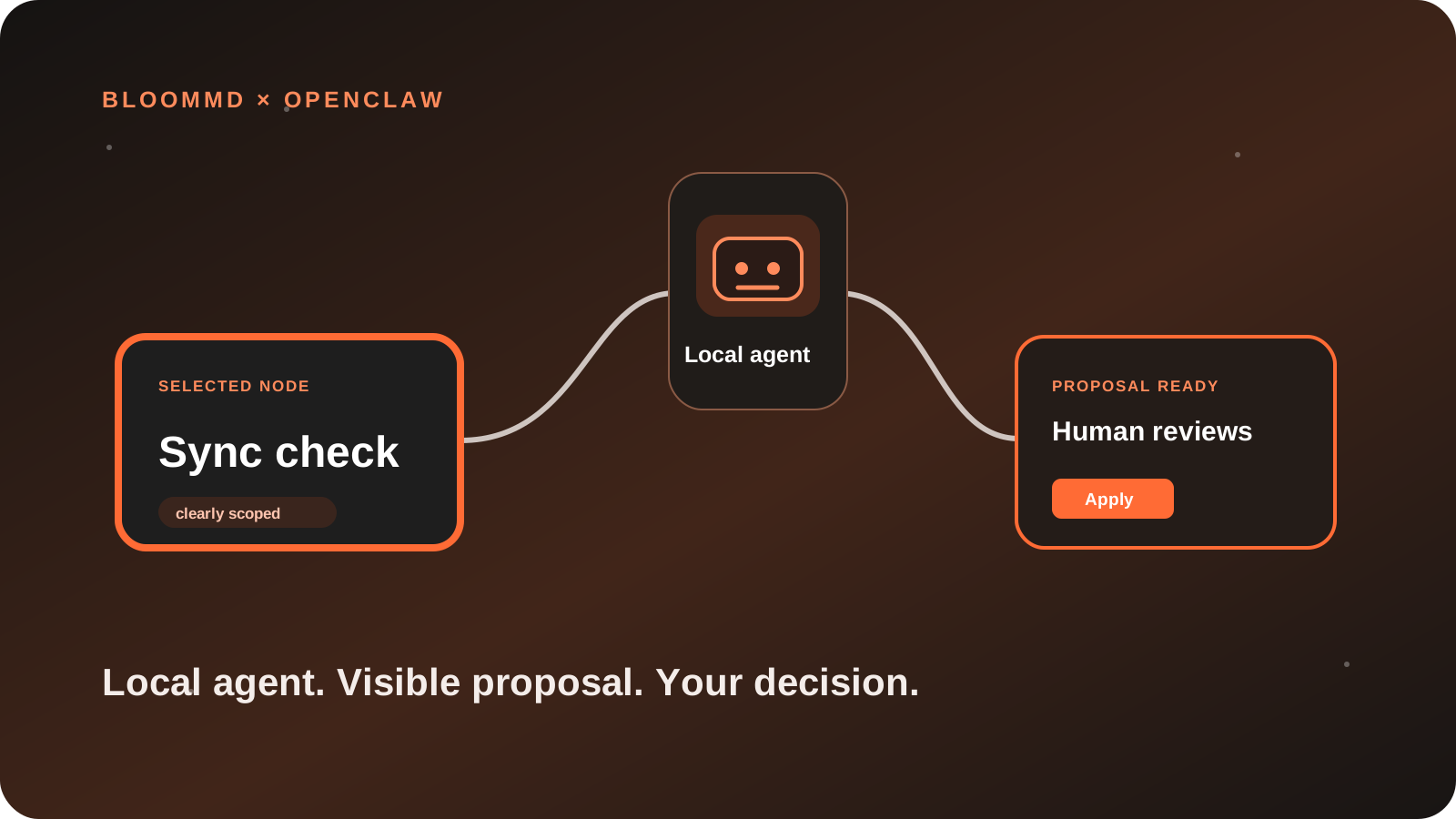
Not “the agent takes over everything”, but a traceable cycle: assignment, proposal, decision.
An assignment starts at a node
In a knowledge space, the difficult part is often not phrasing a question. It is setting the boundary: which section is meant, which assumptions matter and what may change?
That is why BloomMD starts at the exact point of work. Select a node and open the Agent tab in the right sidebar. The node's title, path and content stay visible while you write the assignment.
A useful assignment might be: “Expand this node with three testable questions and research reliable sources.” The agent does not automatically receive the entire workspace. It works only with that node and the explicit assignment.
The agent runs where you operate it
OpenClaw runs locally on your computer, in Docker or in your Kubernetes environment. BloomMD does not open a connection into your network. Instead, the agent quietly asks for its own pending work at an interval you control.
That has two practical benefits:
- Your model access and agent token stay in your environment.
- A model turn happens only when an assignment is actually waiting.
Pairing links the two sides with a one-time code. Afterwards each agent has its own revocable token. An outgoing realtime connection wakes it when a new assignment arrives; only a sparse internal fallback poll protects delivery on networks that block streaming. Multiple agents can work side by side without sharing assignments or access data.
Propose instead of silently writing
The important part is not that an agent can generate text. It is what happens afterwards. BloomMD creates a proposal first:
- The agent prepares a structure or Markdown change.
- BloomMD shows it at the original node.
- You review it in the appropriate representation: a tree for structural changes or Markdown for text.
- Only Apply writes the change to the workspace through BloomMD Sync.
This keeps it clear what the agent suggested, what you accepted or rejected and which node was affected. If the source changed in the meantime, the proposal remains available for review instead of blindly overwriting a change.
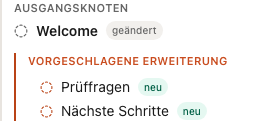
An agent is a member with boundaries
A workspace agent is not an invisible administrator account. It has its own identity, sees only its own assignments and has no direct write access. Even when it creates child nodes or reshapes a structure, the result first appears as a reviewable proposal.
Those boundaries make day-to-day work calmer: you can delegate a small research task while continuing to work on the map. When a proposal is ready, it appears in the node context — not in an unrelated chat window detached from the work.
Statuses make the next step clear too: waiting for agent, working, proposal ready, applied, rejected or failed. Earlier assignments remain as history without covering the current decision.
Start with one clear assignment
The best first step is not a large rewrite. Choose a small, bounded node: an open question, an architecture section or an empty project phase. State the result you expect and what the agent must not change.
If you apply the proposal, the extension syncs as a normal workspace change. If it does not fit, reject it — without repairing a file or having to explain yourself to an agent.
Local agent, visible decision: Read the OpenClaw guide, try the BloomMD demo or download BloomMD.