
BloomMD updates
BloomMD Desktop 0.5.14: edit nodes without losing your place
The map stays in place when you select a visible node. Renaming, keyboard navigation and editor shortcuts are more reliable.
Selecting a visible node now leaves the mind map in place. When arrow-key navigation reaches a node outside the viewport, BloomMD brings that node into view. This makes it easier to keep your bearings while editing a larger map.
In an open Markdown file, double-click a node title or press R to rename it. Enter confirms the title and Escape discards the edit; focus then returns to the node. This also works for resource nodes. Use their separate Open resource action to open the linked file. A child created with Tab becomes visible before its title field opens.
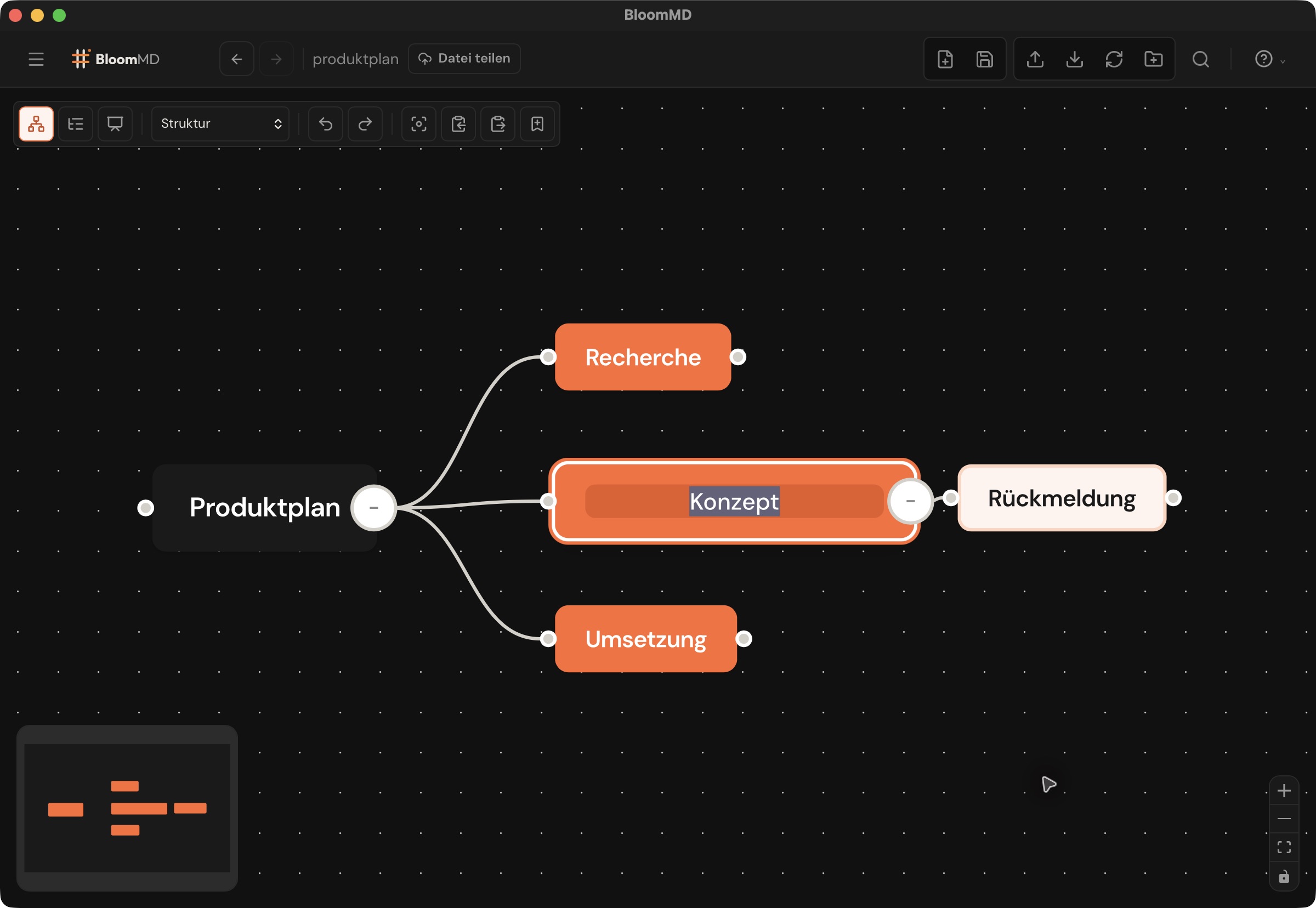
The workspace overview remains read-only. Open source file on a file node or heading takes you to the editable Markdown file. In the node editor, Cmd+I applies italics and Cmd+K opens the link editor. The desktop help lists the other shortcuts and their contexts.
We checked the workflow in the native macOS app using an isolated Markdown file: renaming and cancelling, child creation, editing, navigation and saving. The desktop build also includes a Vite security update.
Update through Help and settings → About BloomMD → Check for updates, or use the download page.
Source: https://github.com/moellenbeck-digital/BloomMD/releases/tag/v0.5.14