
BloomMD journal
Collaboration without format lock-in
How remote workspaces, sync and Markdown support shared work without hiding the source.
Collaboration on knowledge rarely fails because nobody can write. The harder problem is keeping a shared context: Which file is current, what is someone working on and how can the team understand what changed?
Many tools solve this by moving all content into one shared platform. That can be convenient, but it often makes the source less accessible. BloomMD takes a different approach: Markdown remains understandable while a synchronized workspace provides the shared working space.
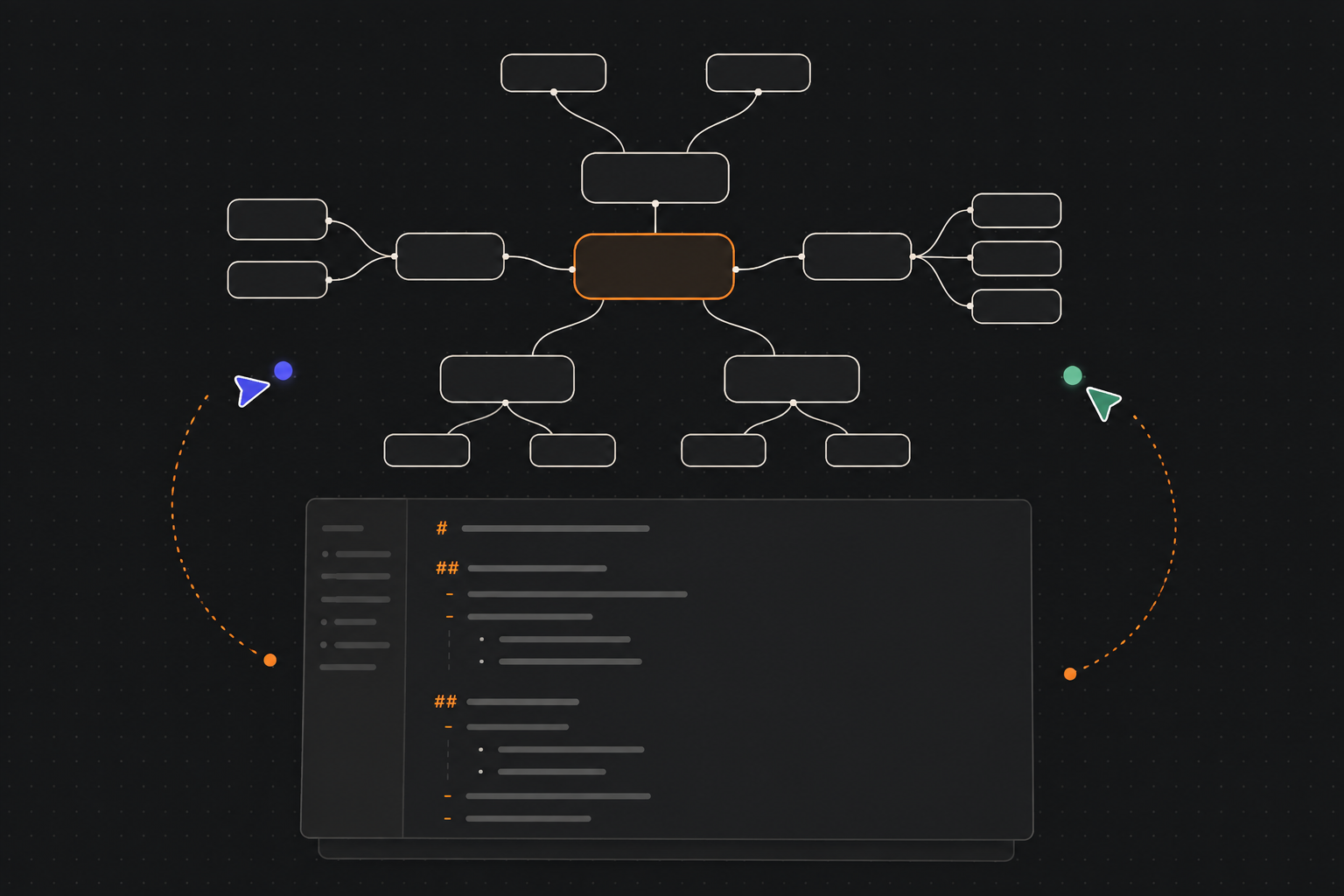
Work together without hiding the source behind a platform.
One shared room for one file
Collaboration becomes easier when the smallest shared reference is clear. In BloomMD, that reference is a Markdown file and the sync room built from it. Everyone works in the same context instead of manually reconciling permanent local copies.
This is useful for documents with a visible hierarchy:
- a shared project plan;
- a technical architecture map;
- a workshop document;
- a decision record;
- a knowledge collection that several people extend.
The map helps you see more than individual lines. It also shows which branch contains a change and which neighboring areas may be affected.
Make working context visible
Good collaboration needs shared context, not only shared data. When several people work in the same workspace, it can help to see which areas are relevant and where others have placed their focus.
That information should stay separate from the actual Markdown content. Presence belongs to the session, not to the document. It can support coordination without putting private notes or unnecessary personal details into the source.
What synchronization should do
Synchronization is not a goal by itself. It should reliably do three things:
- distribute changes to the other participants;
- recover from short interruptions;
- preserve the local working context in a way people can understand.
When a connection drops, the interface should not simply remain in an unclear state. A visible status such as “offline”, “reconnecting” or “try again” helps distinguish a temporary network problem from a permanent error.
Users do not need to know which protocol message was transmitted. They need to know that no second file was created silently and that reconnecting later will not make the content appear to have disappeared.
Markdown remains traceable
The Markdown principle still matters in a remote workspace. Content should not exist only inside one interface. It should remain in a form people can read and tools can process.
That makes several transitions easier:
- a document can continue locally;
- a team can use the map for orientation and discussion;
- Git or backups can protect the source as an additional layer;
- a new client does not need to understand every detail of a proprietary data model.
Collaboration then becomes an extension of open data, not an argument against it.
A practical team workflow
A useful workflow starts with a clear file and a clear task:
- The team agrees on the topic and purpose of the document.
- A rough structure is created with Markdown headings.
- Participants open the same remote workspace.
- The map provides the shared overview while details are edited in the content.
- Open questions and next steps remain visible in the structure.
- After the session, the document can be saved locally or versioned further.
The map does not replace communication. It makes the subject of the communication easier to point at. Instead of discussing a long linear file, the team can refer to one concrete area of the structure.
Finding the right balance
Remote collaboration needs reliability, but not every piece of information has to be centralized. A good system makes it clear which data is shared, which stays local and how people switch between local and synchronized spaces.
That transparency builds trust. When a workspace is offline, it should not feel like lost content. When a connection ends, saved profiles and local files should remain understandable.
Small rules help large workspaces
A shared workspace works better when its structure is not left to chance. A clear main topic, understandable headings and visible areas for open questions create a common frame. It also helps to agree briefly where decisions, tasks and background knowledge should live.
This sounds like editorial work, but it is part of good collaboration. Technology can distribute changes; the team still has to decide how the shared knowledge space remains readable.
The clearer these agreements are, the less the interface has to explain. New participants find their way into the space faster, and existing members can focus on the content instead of renegotiating the filing system every time.
When the connection is interrupted
The most important collaboration test is not the perfect normal case, but the moment in between. A laptop changes networks, a browser closes or a server restarts. The application should make that state understandable instead of hiding it.
A clear status, controlled reconnect behavior and an actionable error message give people confidence. After the connection returns, they should not have to guess whether the last change arrived or whether a second workspace was opened. These details may seem small, but they determine whether a shared workspace feels trustworthy.
The next step
Pick a document you already discuss with others. Give it a clear heading structure and see whether a map makes the conversation more focused.
Work from the same context: open the BloomMD demo, read about collaboration or download the desktop app.
Format freedom does not mean working alone. It means collaboration and open sources can be designed together.