
BloomMD journal
Local-first means more than working offline
Why open Markdown files, Git and local control matter for long-term knowledge work.
“Local-first” is often reduced to a simple promise: the application works without an internet connection. That is a useful starting point, but it is not the whole idea. For knowledge work, local-first means that your data remains understandable, reachable and not unnecessarily tied to one application.
BloomMD follows that idea by using Markdown files as the data format. The file remains the source. The visual map, the editor and collaboration build on it instead of hiding the content in an opaque proprietary store. This combines the convenience of an application with the control of an open format.
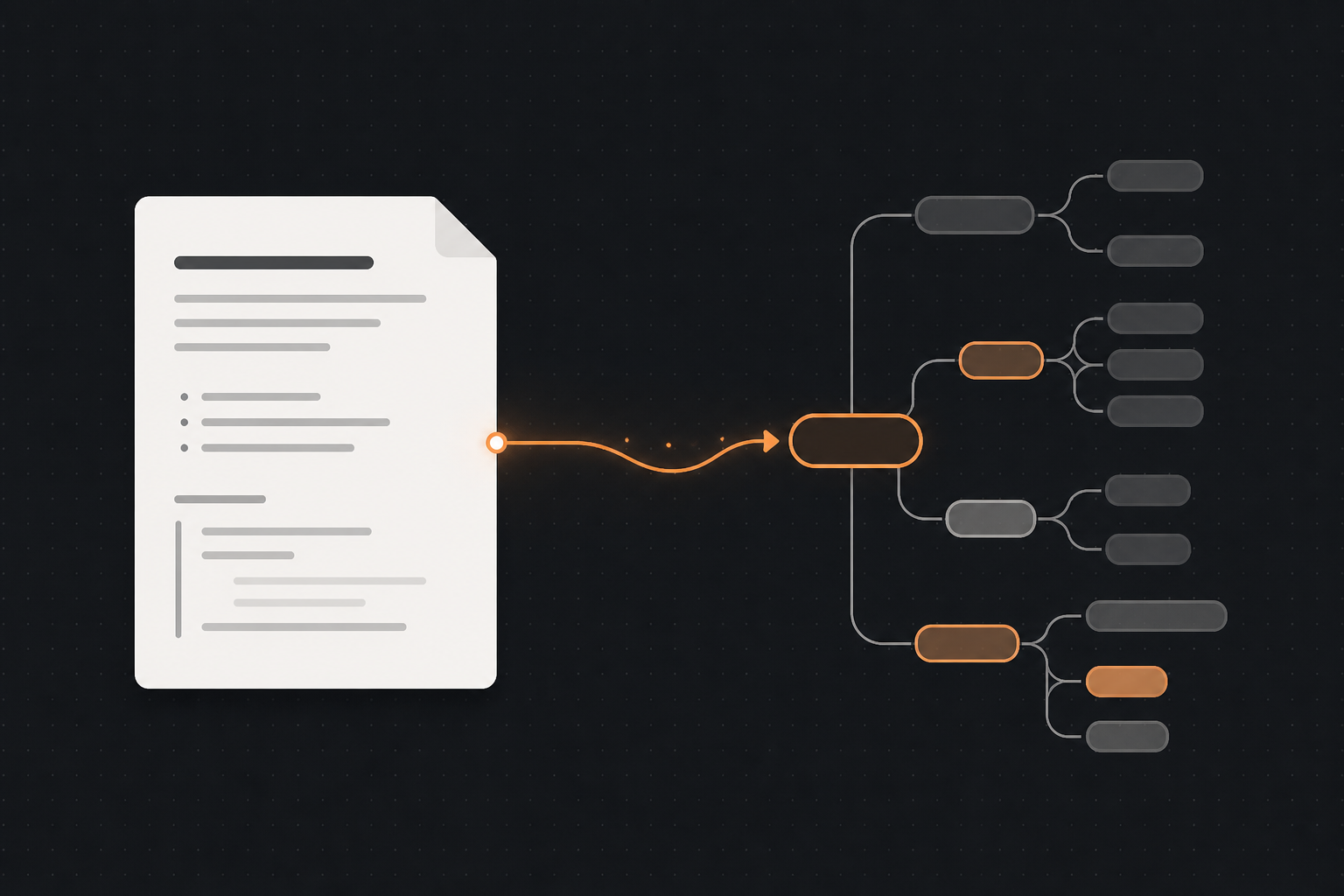
The file remains the source; the map adds a visual perspective.
Offline is only the first step
An application can work offline and still keep your data locked away. If the content exists only in an internal database, it does not help much that the interface starts without a network connection. The important question is whether you can read, back up and reuse your information outside the application.
Markdown makes that visible. A file is text. It can be opened in an editor, versioned with Git, copied into a backup and shared with other people. You do not need an export wizard to recover the basic form of the information.
Local-first does not mean that servers are bad. It means that a server is an addition for collaboration, synchronization or sharing — not the only place where the truth exists.
Open files keep your options open
Knowledge collections change over time. Tools are replaced, projects are archived and working habits evolve. An open format reduces the risk that changing tools turns into a data migration project.
Markdown fits into many existing workflows:
- files live in a normal folder;
- Git can make changes traceable;
- text editors and developer tools can open the same files;
- Obsidian and BloomMD can offer different views of the same source;
- backups remain possible with standard tools.
The visual view is therefore not a cage. It is an additional perspective on content that remains useful without it.
How BloomMD uses the source
BloomMD reads headings and levels from a Markdown file and displays the resulting structure as a map. This becomes useful when a document contains more than a short note: goals, topics, decisions and open questions gain a visible place.
A typical local workflow looks like this:
- Open a local folder or Markdown file.
- Let BloomMD build a map from the existing outline.
- Navigate visually, add content or adjust the structure.
- Keep the changes connected to the Markdown source.
- Continue using other tools with the same files.
This separation also helps with troubleshooting. When a view does not look as expected, you can inspect the underlying file. There is a traceable source instead of only a state inside an interface.
Where servers become useful
When several devices or people are involved, changes need to be distributed and sessions coordinated. A sync server can help with that. It adds a shared room for a file while leaving the local workflow intact.
The roles matter. The local file remains the durable anchor. The server supports exchange and collaboration. If the connection drops, the working context should not disappear. If you switch workspaces, a saved profile should make it possible to return later.
This creates a practical model: work locally when control matters, synchronize when collaboration is needed, and keep the content in an open format.
A concrete scenario
Consider a technical knowledge collection. You keep architecture decisions, open questions and operational notes in a folder of Markdown files. On your own machine, you can read, search and version those files with Git at any time. For a shared planning session, you open a suitable area in a synchronized workspace.
If the server is temporarily unavailable, the local collection remains understandable. When a project ends, you can archive the folder without first creating a special export. If you later switch editors, the source remains the same. That is the practical value of local-first: not every situation needs the same interface, but every situation can build on the same files.
A simple decision rule
For practical purposes, ask one question: can I still understand and use my content if I change applications? If the answer is yes, the foundation is resilient. If the answer depends on a special export, an account or a running service, it is worth looking more closely at the data model.
Markdown does not solve every storage problem. It does create a clear baseline: the essential content remains available as text. Local views, backups, synchronization and future integrations can build on that baseline.
What local-first does not mean
Local-first does not mean that every function has to work completely without a network. It also does not mean avoiding synchronization or cloud storage in every situation. It is about priorities:
- data remains accessible;
- the source is understandable;
- export is not an emergency exit;
- online features extend the workflow instead of replacing it entirely.
That matters for personal notes, technical concepts and long-running projects. Choosing a tool should not also mean giving up control over your own information.
The next step
If you already have Markdown files, you do not need to start with an empty workspace. Open an existing folder and see whether a visual structure gives you a better overview.
Try local-first in practice: open the BloomMD demo, download the desktop app or read the Markdown and BloomMD documentation.
The best foundation for a long-lived knowledge space is often not a new database, but a file that you can still read tomorrow and open in another tool.